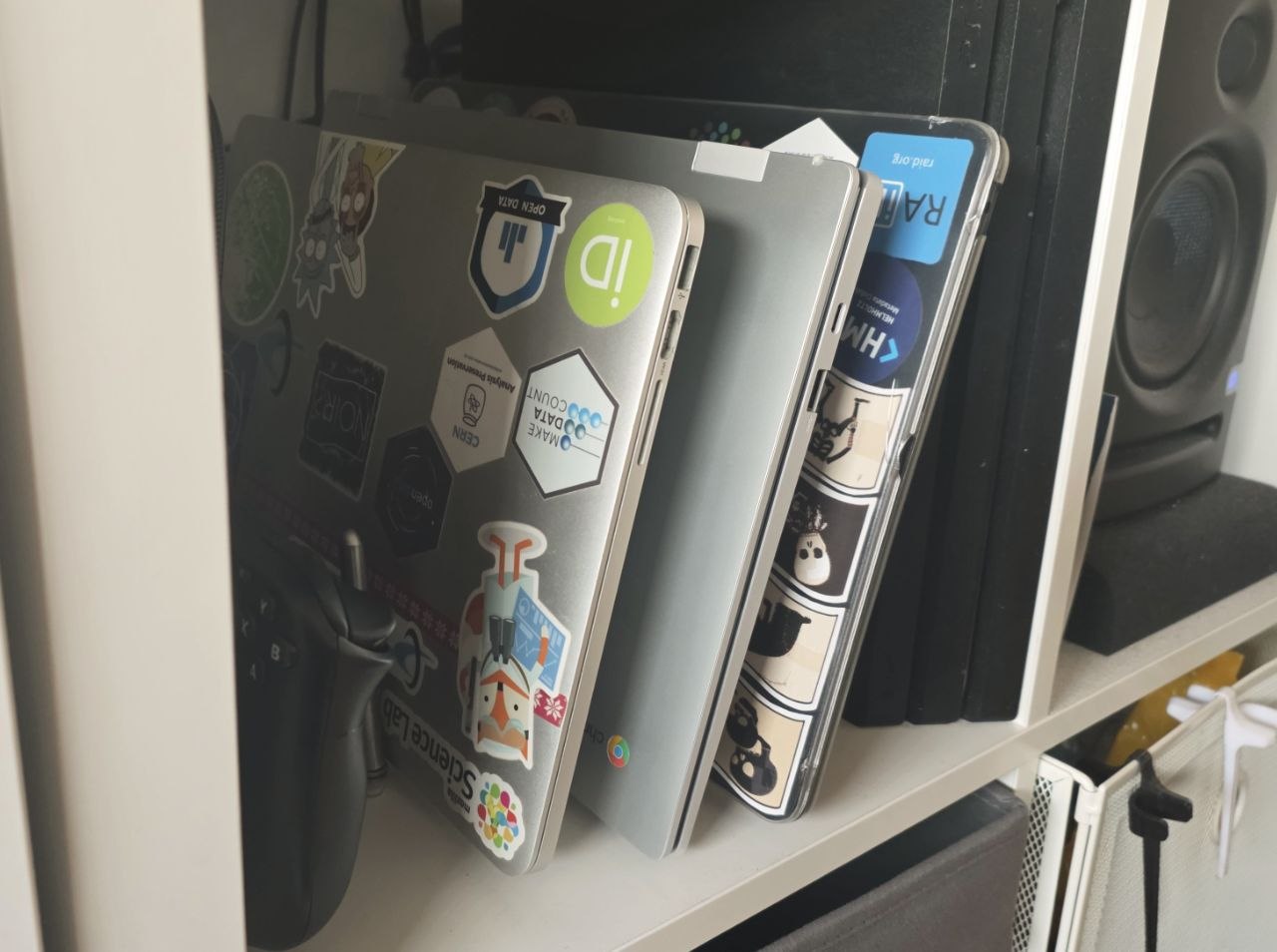
The old MacBook Pro I had since 2014 has been sitting around collecting dust. macOS was getting sluggish and I figured Ubuntu might give it a second life. The install went smoothly enough — only had to do it twice - Ubuntu’s hardware support has come a long way.
Naively I wanted to turn it into a home media station. Hook it up to the TV, stream some Netflix, maybe run Plex or Jellyfin. Should be perfect for an old but decent laptop, right?
Wrong.
The hardware couldn’t keep up with modern video formats anymore. H.265/HEVC content would stutter and drop frames constantly. The Intel HD Graphics 4000 from 2014 simply doesn’t have the codec support for today’s streaming. Even 1080p H.264 was pushing it depending on the bitrate. GPU-accelerated decoding? Forget about it.
So much for the media center dream.
Just as my ADHD brain started to drift and I was about to move on to a completely different thing to occupy my bandwidth, I remembered OpenClaw. Instead of leaving this laptop for five years after one afternoon’s bursting energy, I sat back down and set it up as my OpenClaw host. Turns out a machine that struggles with video decoding makes for a perfectly capable AI assistant platform.
And that’s how I got K-2SO, the bot living in my Telegram contact list, named after the reprogrammed empirical security droid and co-pilot of Cassian Andor. At the moment K-2 just help me take notes - this blog post is written based on an obsidian note created by K-2, hopefully this set up will actually help me keep better track with my brain.
This is just the beginning, will report new use cases as they come in :)