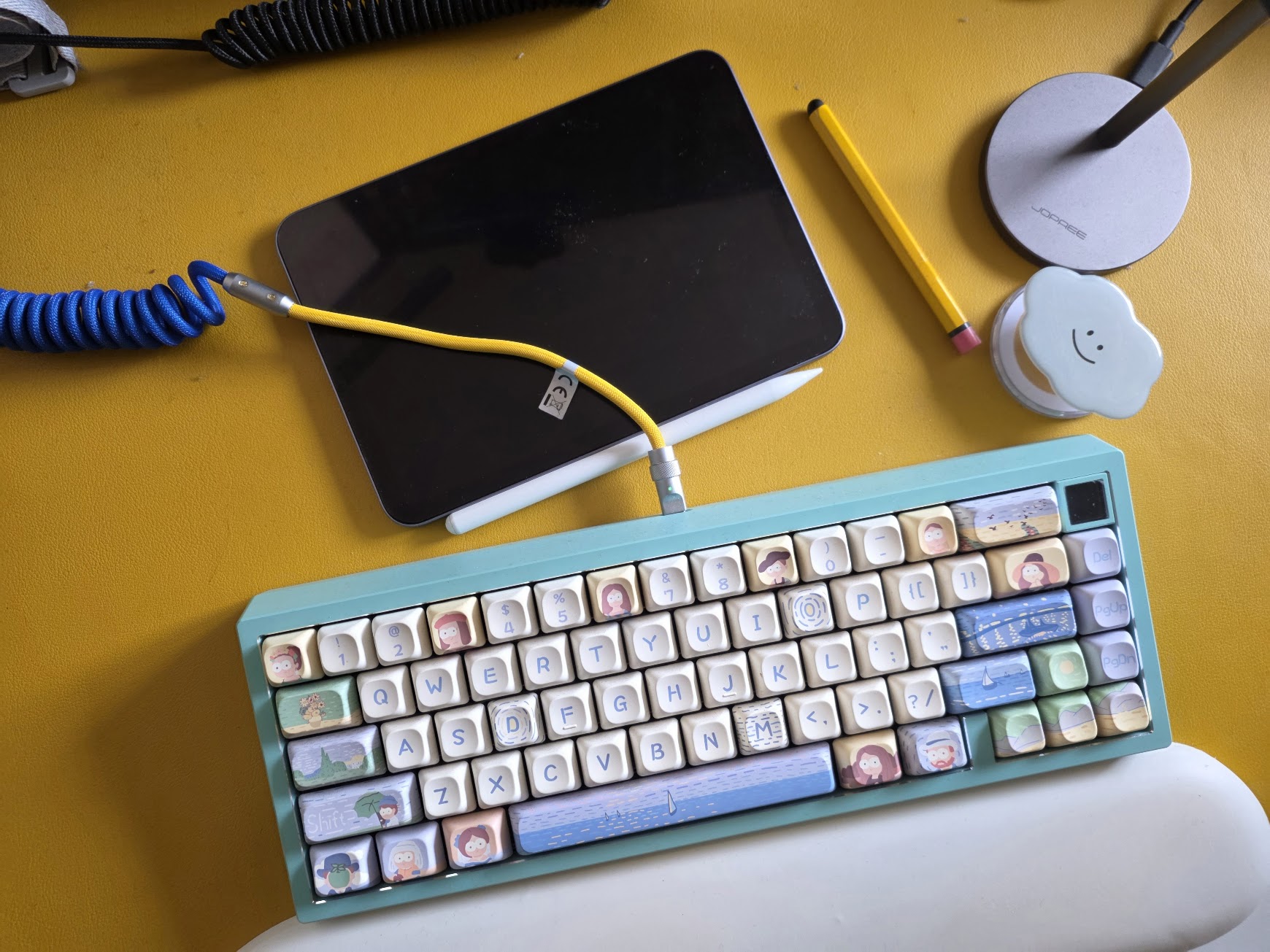
I have eight mechanical keyboards. This sounds excessive until you consider that each serves a different purpose: a 40% for travel, a 60% for gaming, a TKL for work, a full-size for data entry, and various others for specific layouts - that’s what you would expect me to say. Frankly it’s just because I like the way they look and they all sound delightful. Each one has custom keymaps, different remapping software, and unique key combinations for everything from layer toggles to RGB control.
The problem became clear when I’d sit down at a keyboard I hadn’t used in a week and completely blank on how to access the second layer, or worse, accidentally trigger the firmware reset sequence while trying to adjust the backlight. I was constantly googling the same information: which software does this board use, what’s the magic key combo, where did I put the manual link?
Muscle memory doesn’t transfer between boards when one uses QMK, another uses VIA, and a third requires the manufacturer’s proprietary software. I needed a way to connect each physical keyboard to its specific documentation and configuration details.
I bet sticking NFC tags on each keyboard would solve this problem: each keyboard gets a small NFC tag attached to its underside that stores a link to its manual, key references, and configuration details. One tap with my phone brings up everything I need to know about that specific board. No more hunting through bookmarks or trying to remember if this is the keyboard that uses Fn+Space or Fn+Caps for layer switching.
I got these cheap NFC tags lying around since I don’t remember when, probably costed a pound a dozen. The idea is to write the tags to contain a URL pointing to a cloud-hosted page with the keyboard’s documentation. For my 60% board, tapping the tag brings up a page that immediately shows me “Layer toggle: Fn+Space / Reset: Fn+Esc+R / RGB menu: Fn+G” along with links to the VIA configuration file and the original manual.
Setting this up will require creating a simple documentation system. A folder structure with each keyboard getting its own page containing the manual link, keymap reference, software details, and backup configuration file. The whole thing lives in my Obsidian vault and publishes to a simple static site. When I need to update a configuration or add notes about a new keymap, I edit the markdown file and the change propagates to the tag’s target.
Just have to make sure to use the anti-metal variety with the metal case keyboards. Which I don’t have at the moment. Need to hunt them down.
I can imagine this approach to go beyond keyboards too. I can also tag my game controllers with their button mapping references and headset firmware notes. Those are notoriously confusing especially for someone who go between Nintendo, PlayStation, PC, and general use i.e. remapped gamepad that controls the Macbook. I’ll talk about that another time.